

Your best customers love you. Do potential customers searching Google know that?
When a pipe bursts in Bremerton or an AC unit dies in Poulsbo, homeowners don’t spend hours researching. They grab their phones, search Google, and call one of the first three local contractors that pop up.
If your Google Business Profile has outdated hours, a wrong phone number, or reviews from three years ago, Google’s algorithm moves you down the map pack—and hands that job straight to your competitor.
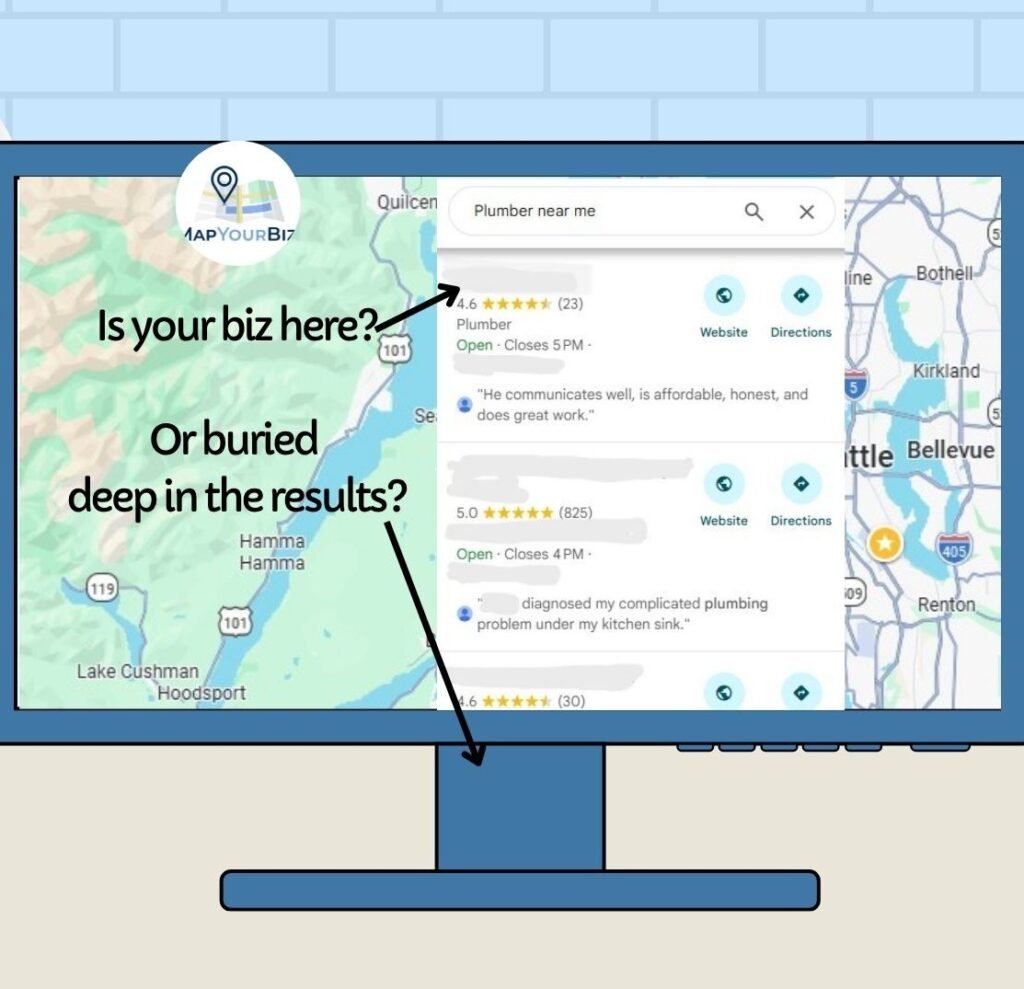
You don’t need to pay an expensive agency thousands of dollars just to see where you stand. Here is a straightforward, 10-minute DIY audit you can run today to check your online reputation for free:
Step 1: Run the “Incognito” Search Test
Open a private or incognito browsing window on your phone or computer. Search for your primary service plus your city (e.g., “Plumber in Silverdale” or “Roofing contractor near me”).
- Are you showing up in the Google Map Pack (the top 3 map results)?
- Is your business name spelled correctly?
- Does your phone number match your actual main office line?
Step 2: Audit Your NAP (Name, Address, Phone) Consistency
Search engines—and new AI search tools—look for trust signals. If your business address or phone number is listed differently on Facebook, Nextdoor, Yelp, and Google, search engines get confused and lower your visibility. Make sure your NAP is 100% identical on every platform.
Step 3: Check Your Review Recency & Text Quality
Star ratings grab attention, but recency and details drive calls.
- Have you received a new Google review in the last 30 days?
- Do your reviews mention specific services (e.g., “installed a tankless water heater”) and neighborhoods?
- Have you replied to every review—both positive and negative?
Want a professional pair of eyes on your profile without the hassle? Click HERE to get a free, 3-minute video audit of your Google profile. I’ll personally screen-record your profile, show you what’s working, and pinpoint the exact quick fixes to get your phone ringing